Lesson and Practice views with a progress column
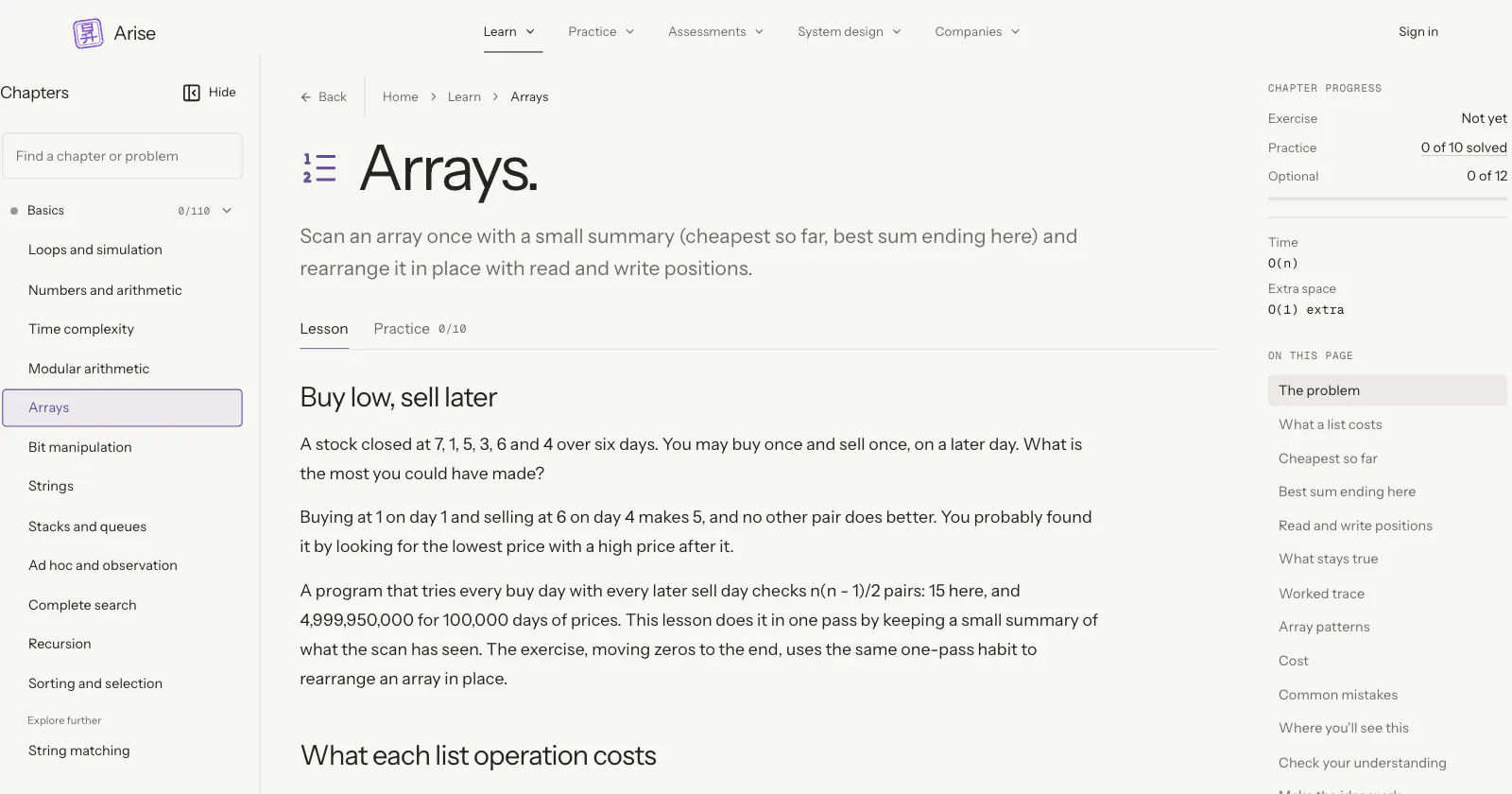
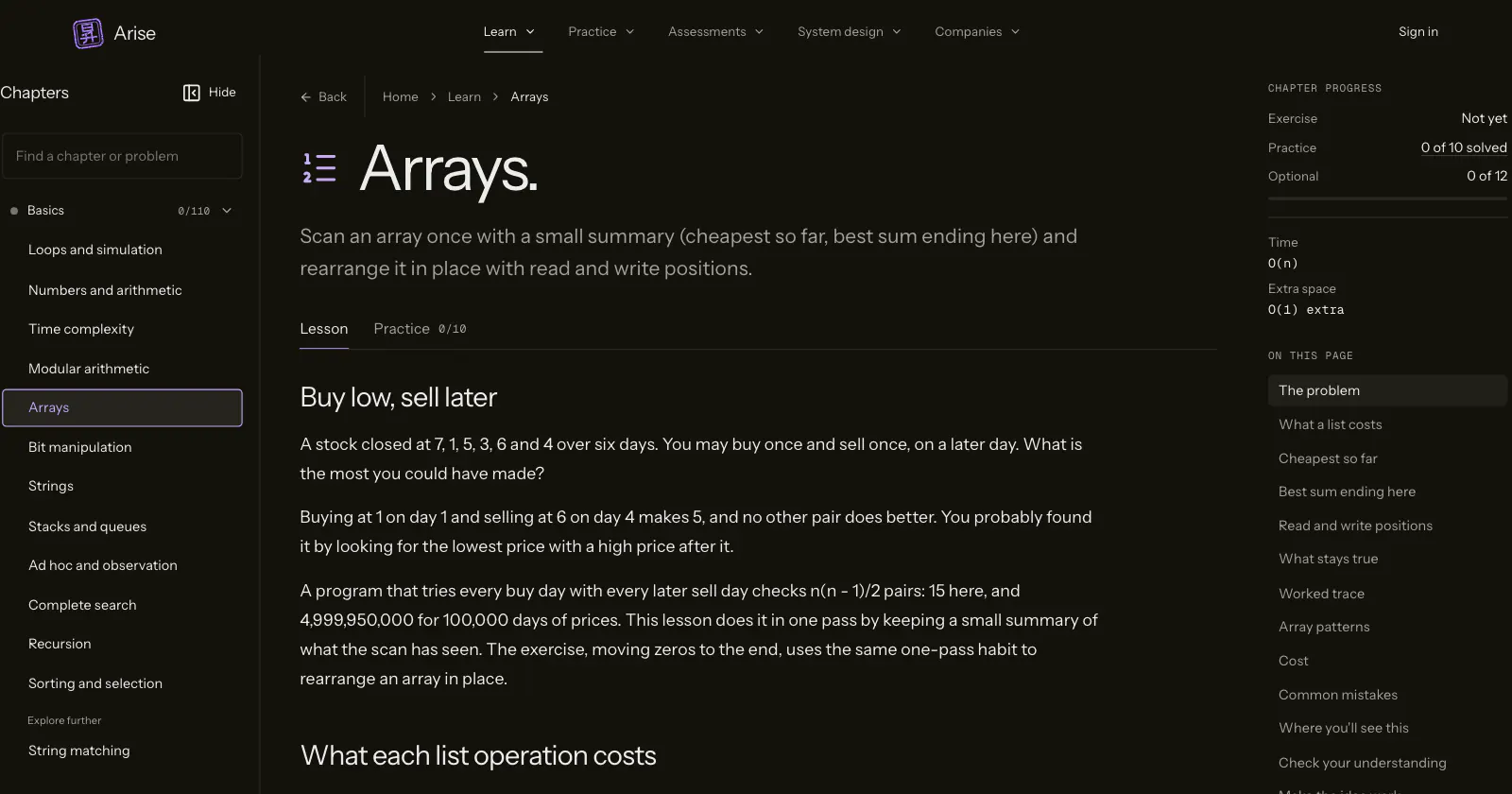
Each chapter has a Lesson view and a Practice view. Wide screens add a side column with the lesson’s sections and your solved count.
What changed
A chapter opens on two tabs. Lesson holds the explanation and the exercise; Practice lists the chapter’s judge problems.
At 1200 pixels and wider, a column on the right lists the lesson’s sections and how many core problems you have solved, with extra problems on their own row. Narrower screens get an On this page list under the tabs.
The chapter sidebar sits against the edge of the window and groups chapters the way the map does. Its search ranks chapter names first and opens the best match when you press Enter.
Try it
More from 24 Oct 2026
- Choose coding interviews or programming contestsLearn
- Hint ladders on 1,219 practice problemsPractice
- Bosses and mini bosses close every setPractice
- One practice layout for every judgePractice
- Review with a due list, a forecast and five gradesPractice
- An XP leaderboard you can joinProfile
- Rust templates and free contest starter filesPractice