One practice layout for every judge
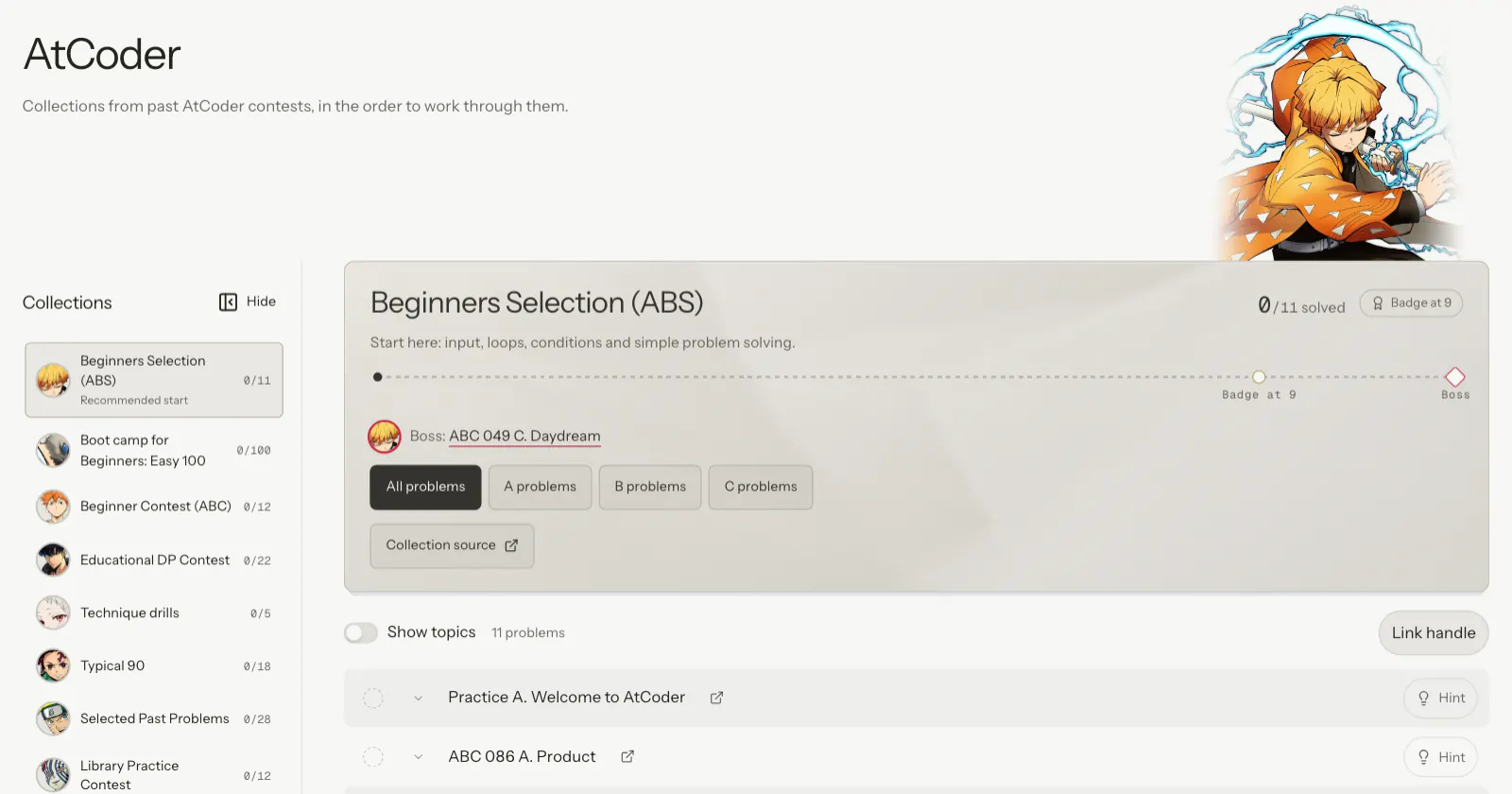
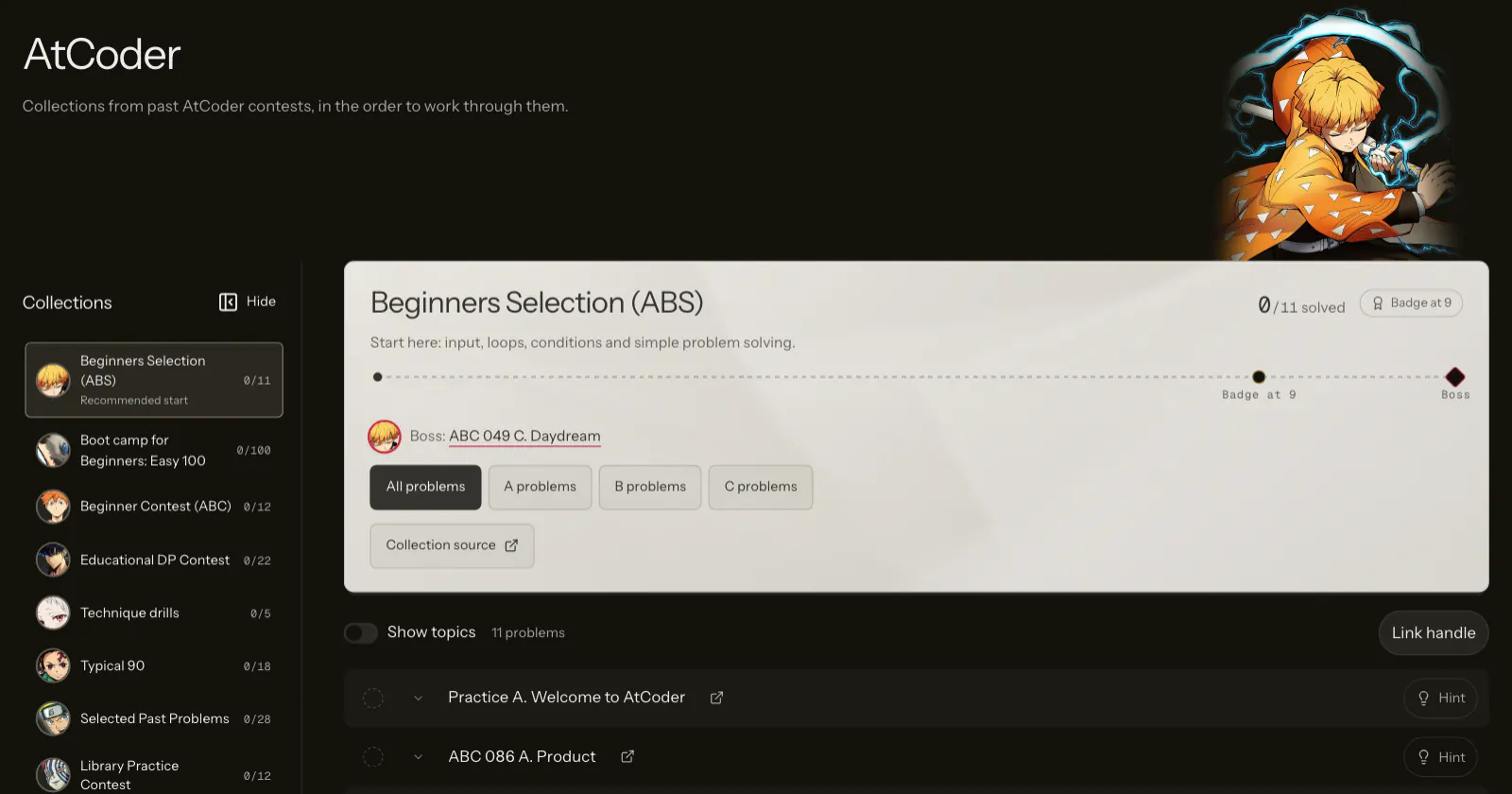
LeetCode, Codeforces, CSES, AtCoder and the beginner tracks share one layout: a sidebar of sets, a set header and one problem list.
What changed
The sidebar lists the judge’s sets with your solved counts, and becomes a slide-out panel on phones. The set header gives the name, one line of detail, a progress bar and the boss. Topics, filters and handle linking sit in a toolbar above the list.
Each judge keeps its own look: rating badges for Codeforces, warm paper for CSES and light paper for AtCoder. Every set has its own character, with its head showing above the card.
Try it
More from 24 Oct 2026
- Lesson and Practice views with a progress columnLearn
- Choose coding interviews or programming contestsLearn
- Hint ladders on 1,219 practice problemsPractice
- Bosses and mini bosses close every setPractice
- Review with a due list, a forecast and five gradesPractice
- An XP leaderboard you can joinProfile
- Rust templates and free contest starter filesPractice